


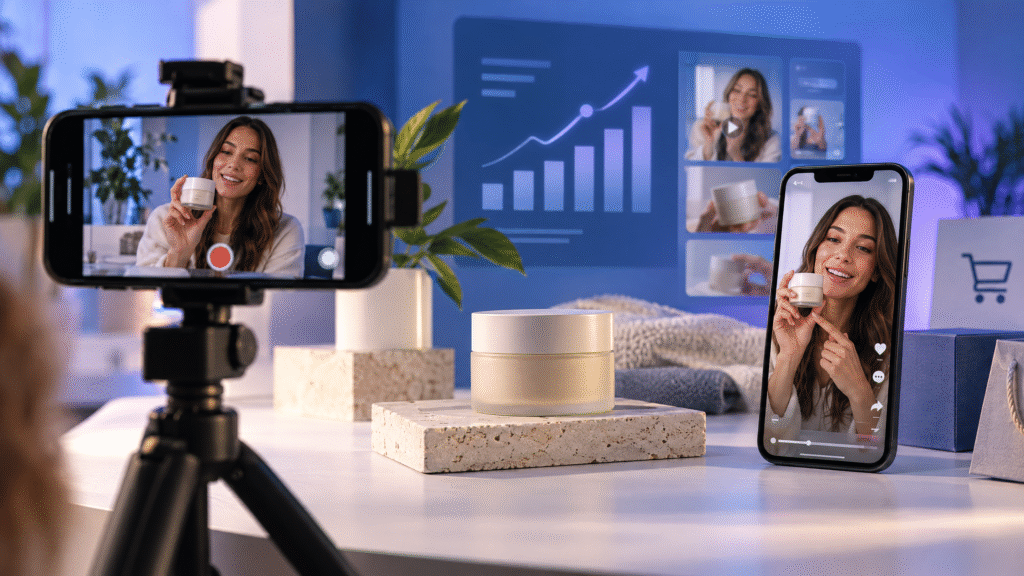
AI UGC ads for ecommerce brands are social-style video advertisements created with artificial intelligence supporting selected production tasks. They may use an AI-generated presenter, voiceover, script, storyboard, product scene, caption, or editing workflow.
The goal is not to make an advertisement look falsely like a real customer review. The goal is to create useful, platform-appropriate creative that explains a product, demonstrates a benefit, answers a customer question, or gives shoppers a clear next step.
AI can speed up creative production, but it does not remove the need for accurate product information, human review, responsible claims, and a clear campaign objective. The strongest AI UGC workflow combines the convenience of AI production with the judgment of a real marketing team.
If you are building a broader video campaign, start with an AI video ad campaign strategy and use AI UGC as one creative format within the campaign.
What are AI UGC ads?
UGC means user-generated content. Traditional UGC is made by real customers or creators who share their experience with a product or service. AI UGC ads are different. They use artificial intelligence to support the creation of a UGC-style advertisement, often with a virtual presenter, synthetic voice, generated scene, or AI-assisted edit.
That distinction matters. A virtual presenter should not be presented as a real customer who personally used a product when that is not true. Likewise, a generated testimonial should not invent a customer experience, result, review, or product claim.
AI UGC is most useful when it makes a clear message easier to produce and test. Examples include:
•A short product demonstration
•A problem-and-solution video
•A product comparison
•An answer to a common customer question
•A launch announcement
•A feature explanation
•A social-style product introduction
•A retargeting reminder
For an authentic customer-led campaign, use real approved customer content where possible. For an AI-assisted social format, label the creative honestly and make sure every claim can be supported.
Why ecommerce brands use AI UGC ads
Ecommerce brands need creative for product pages, paid social campaigns, email, retargeting, launches, and seasonal offers. Producing every variation with a traditional shoot can take significant time and coordination.
AI UGC workflows can help a team develop more creative directions from approved product references. A brand may test different hooks, audiences, benefits, presenters, captions, and calls to action without rebuilding the entire campaign from the beginning.
The value is not simply producing more videos. More videos are useful only when they help answer a marketing question. For example:
•Does the audience respond to convenience or appearance?
•Does a demonstration outperform a talking-head explanation?
•Does a beginner-focused message outperform an expert-focused message?
•Does the product page receive more qualified traffic from a question-led hook?
•Does a short mobile edit perform better than a longer explanation?
For more product-focused creative, explore AI product demonstration videos for ecommerce brands.
How to create AI UGC ads for ecommerce brands
1. Choose one product and one customer problem
Start with one product and one specific customer problem. Avoid writing a script that tries to explain the whole brand, every feature, and every offer in thirty seconds.
A useful brief answers four questions:
•Who is the intended viewer?
•What problem or question does the viewer have?
•What single product benefit should the viewer remember?
•What action should the viewer take next?
A skincare brand might focus on a simple routine. A home product brand might focus on setup or storage. A fashion brand might focus on fit, styling, or a product detail. Specific problems produce clearer creative than general claims about quality.
2. Use real customer language
Review customer questions, product reviews, support messages, comments, and sales conversations. Look for the words customers use when describing their problem and desired outcome.
Use those words as a starting point for the hook and script. Customer language often sounds more natural than a broad slogan because it reflects a real situation.
Do not copy a review and turn it into a fabricated testimonial. Use the underlying question or problem, then write an accurate advertisement that does not claim an experience the presenter did not have.
3. Select the right AI UGC format
There is no single AI UGC format that suits every product. Select a format based on the information the shopper needs.
Product demonstration: Show the product being opened, used, applied, assembled, compared, or stored. This format is useful when the shopper needs practical information.
Virtual presenter: Use an authorized virtual presenter to introduce a product, answer a question, or explain an offer. Make it clear that the presenter is virtual or AI-generated when that distinction matters to the audience.
Voiceover and product footage: Keep the product as the visual focus while a voiceover explains one benefit or use case.
Problem-and-solution story: Begin with a recognizable situation, show the product in context, and end with a clear next step.
Screen-led explanation: Use product-page visuals, app screens, or diagrams when the offer is digital or requires an explanation.
Samin AI Marketing Hub offers related AI UGC ads, AI spokesperson ads, and AI storytelling ads.
4. Write a short, specific script
A practical AI UGC script can follow this structure:
1.Hook: identify the problem, question, or desired outcome.
2.Context: explain who the product is for.
3.Demonstration: show the product or feature in use.
4.Benefit: explain one clear reason it matters.
5.Proof: use an accurate specification, demonstration, comparison, or approved evidence.
6.Call to action: direct the viewer to the most relevant next step.
Keep the language conversational but precise. Avoid exaggerated claims such as “guaranteed results,” “everyone loves it,” or “the best product online” unless the claim is legally supportable and appropriate for the campaign.
5. Prepare approved product references
Give the production workflow current product photographs, packaging images, logos, brand colors, product dimensions, ingredients or materials where relevant, approved claims, pricing, offer details, and usage instructions.
Compare every generated scene with the approved references. AI-generated visuals can change a product’s shape, label, color, material, proportions, or packaging. Those changes can reduce trust and create an inaccurate advertisement.
For more cinematic product concepts, explore AI CGI ads. CGI can support a strong visual idea, but the final ad should still represent the product accurately.
6. Create platform-appropriate versions
A video that feels natural on TikTok may need a different pace, crop, caption treatment, or opening for another platform. Adapt the same message to the placement rather than uploading one version everywhere without review.
Check the following for each version:
•Vertical, square, or horizontal framing
•Product visibility in the first seconds
•Caption size and safe areas
•Voiceover clarity
•Sound-off viewing
•Opening frame and thumbnail
•Duration and pacing
•Landing-page call to action
The official TikTok Creative Center Top Ads can help you study current creative patterns. Use it for research and inspiration, not for copying another advertiser’s script, visuals, claims, or branding.
7. Test one major creative variable at a time
Create purposeful variations. Keep the product, audience, offer, and destination page consistent while testing one major change such as:
•Problem-led hook versus benefit-led hook
•Demonstration versus presenter format
•Convenience benefit versus quality benefit
•Question-led opening versus statement-led opening
•Short edit versus longer explanation
•Direct “Shop now” CTA versus educational CTA
A test is easier to understand when the variable is clear. If the hook, presenter, product, offer, duration, audience, and landing page all change together, you may see a different result but you will not know why it happened.
For a deeper testing framework, see AI video ad creative testing for ecommerce brands.
How to measure AI UGC ad performance
Choose the primary success metric before launching the test. The right metric depends on the campaign objective.
For awareness, review reach, completed views, attention, and quality of engagement. For traffic, review qualified clicks, landing-page views, and the behavior after the click. For ecommerce conversion, review add-to-cart actions, checkout starts, purchases, revenue, and return on ad spend when tracking is configured correctly.
Do not select a winner only because it has the cheapest views or highest click-through rate. A video may receive attention without generating qualified visitors or sales. Review creative metrics together with downstream business results.
Keep a record of the tested variable, audience, placement, budget, dates, landing page, and result. Over time, the record becomes a useful creative knowledge base for future campaigns.
Responsible use of AI UGC advertising
AI UGC should not be used to invent a customer experience. The U.S. Federal Trade Commission explains that endorsements must be honest and not misleading, and that material connections may need to be disclosed clearly and conspicuously. Review the official FTC Endorsement Guides: What People Are Asking before using endorsements, testimonials, influencers, or review-style creative in campaigns.
Practical safeguards include:
•Do not call a virtual presenter a real customer.
•Do not invent reviews, testimonials, before-and-after results, or product experiences.
•Do not use a person’s likeness or voice without authorization.
•Keep product, pricing, ingredient, safety, and performance claims accurate.
•Disclose a material relationship when an endorsement or creator relationship exists.
•Review generated visuals and voiceover before publishing.
•Make the disclosure easy to notice and understand.
Responsible creative protects the audience and the brand. It also helps the video feel more trustworthy because the message is clear about what is real, what is illustrative, and what the customer should expect.
Final checklist before publishing
Before you publish an AI UGC ad, confirm that:
•The audience and campaign objective are defined.
•The video focuses on one main product benefit.
•The product looks accurate in every scene.
•The script uses approved claims.
•The presenter, voice, music, and likeness are authorized.
•The first seconds communicate a clear reason to continue watching.
•The captions work on mobile and without sound.
•The call to action matches the landing page.
•The video is adapted for its intended placement.
•The campaign tracking is working.
•The final creative has been reviewed by a person.
Conclusion
AI UGC ads can help ecommerce brands develop useful product demonstrations, social-style explanations, and campaign variations faster. The best results come from a disciplined process: start with a real customer problem, choose one benefit, use approved product references, create platform-appropriate versions, and measure business outcomes rather than vanity metrics alone.
AI should support the creative workflow, not replace accuracy, human review, or responsible advertising. If you need help developing AI UGC ads for your ecommerce campaign, explore Samin AI Marketing Hub’s AI video marketing services and AI video ad production services.
View the AI advertising portfolio or book a 30-minute consultation to discuss your next campaign.
Final Rank Math placement checklist
Use the primary focus keyword naturally in these locations:
•SEO title: AI UGC Ads for Ecommerce Brands: A Practical Guide
•URL slug: ai-ugc-ads-ecommerce-brands
•First paragraph
•One main H2 heading
•Featured-image alt text
•Meta description
•At least one internal-link anchor where it reads naturally
Do not repeat the exact keyword in every heading. Add the secondary phrases naturally, keep the article readable, and avoid keyword stuffing.