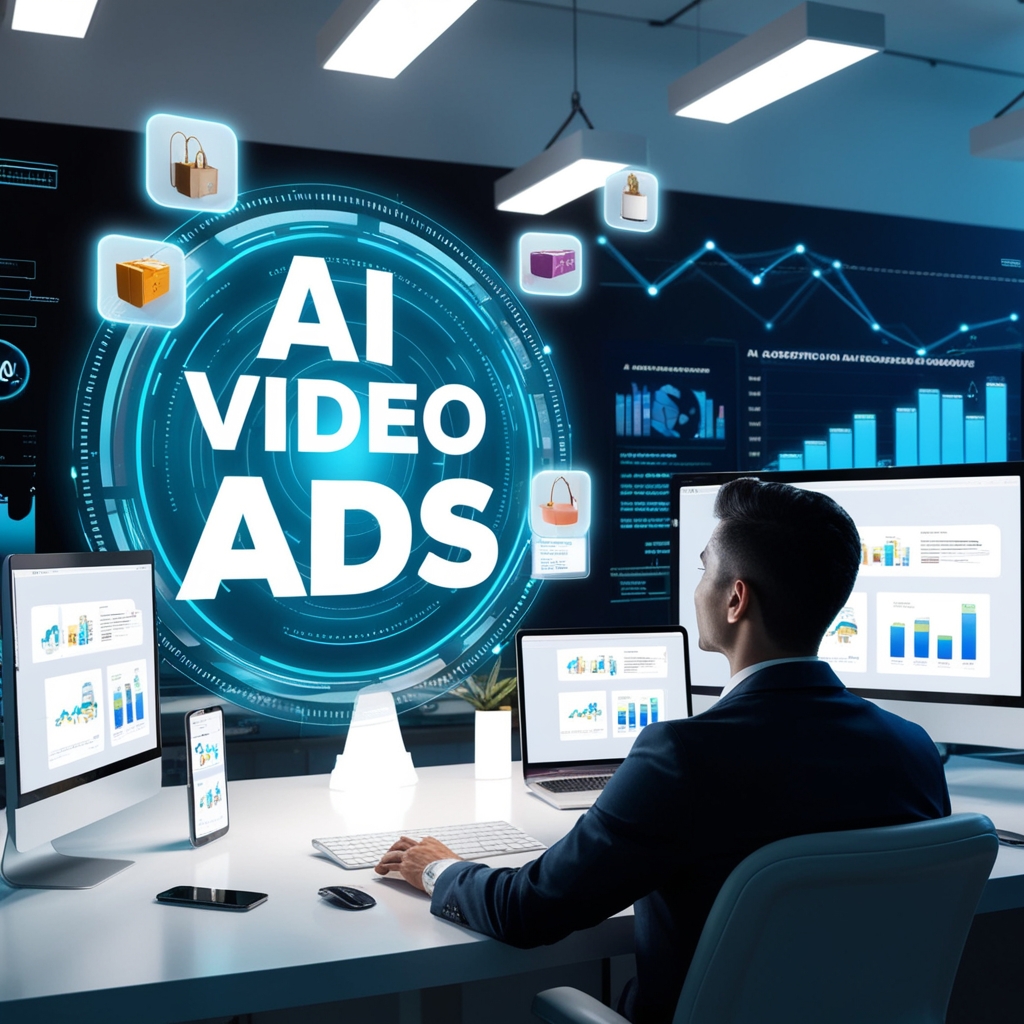



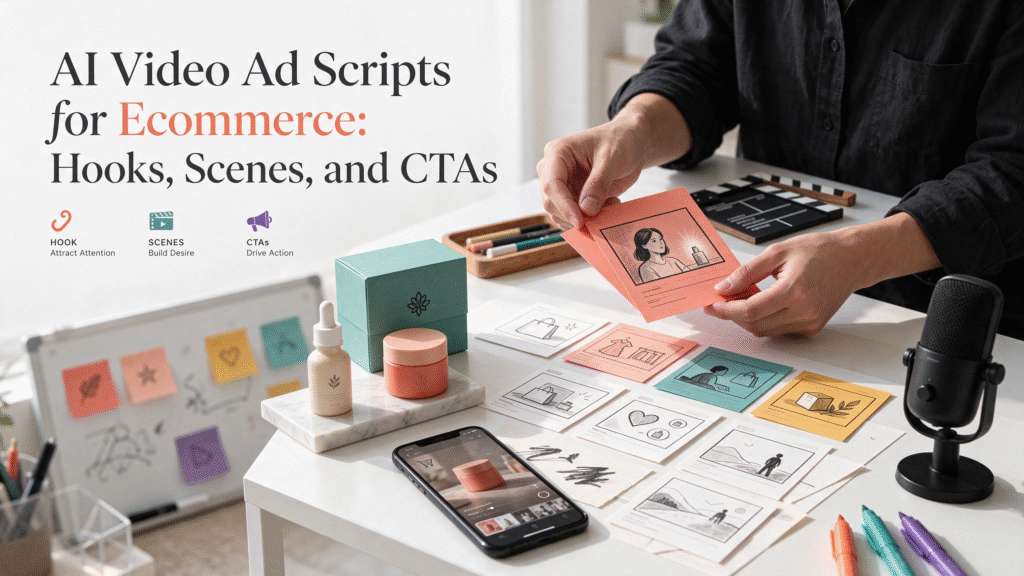
AI video ad scripts for ecommerce are written plans that explain what an advertisement should say, show, and do. A useful script includes the audience, problem, hook, product action, benefit, proof, captions, voiceover, scene direction, and call to action.
Artificial intelligence can help ecommerce brands generate ideas, organize variations, create first drafts, and adapt a concept for different placements. AI does not replace product knowledge, brand judgment, or human review. Every final script should use accurate product information and claims the business can support.
A strong ecommerce video script does not try to say everything. It gives one audience one clear reason to continue watching and one relevant next step.
For a wider campaign plan, explore AI video ad campaigns before writing individual scripts.
What are AI video ad scripts for ecommerce?
An AI video ad script is a structured plan created with artificial intelligence supporting selected research, ideation, writing, or adaptation tasks. It may be written for a product demonstration, UGC-style advertisement, spokesperson video, CGI concept, launch video, retargeting ad, or short-form social clip.
A complete script can include:
•Target viewer
•Campaign objective
•Customer problem
•Opening hook
•Spoken dialogue
•On-screen text
•Visual direction
•Product action
•Proof or product detail
•Voiceover style
•Sound and caption notes
•Call to action
•Destination page
The script should tell the production team what the viewer needs to understand at each moment. It should not only contain persuasive words. A good product ad is a combination of message, visual evidence, pacing, sound, and a clear next step.
Why ecommerce brands use AI for video ad scripts
Ecommerce brands often need several creative variations for different products, audiences, platforms, offers, and buying stages. Writing every variation from scratch can slow production and make testing difficult.
AI can support the early scripting process by helping a team:
•Turn product information into creative angles
•Generate different hook ideas
•Adapt a script for several audiences
•Create short and long versions
•Organize scenes and captions
•Rework a product benefit into a demonstration
•Produce alternative calls to action
•Build a testing matrix
The business still needs to decide which ideas are accurate, useful, and appropriate. AI-generated scripts may invent claims, overstate results, repeat generic language, or describe a customer experience that did not happen.
The best workflow treats AI as a creative assistant and a human as the final editor.
The structure of a high-quality ecommerce video ad script
1. Audience and buying stage
Start by describing who will watch the video and what they already know. A first-time visitor may need a product introduction. A returning visitor may need proof, a comparison, or an answer to an objection.
Instead of writing for “everyone,” identify a specific situation. For example:
First-time shoppers who want to understand how the product works before ordering.
This decision affects the language, visuals, presenter, pace, and call to action.
2. Campaign objective
Decide whether the script supports awareness, education, traffic, sales, lead generation, a launch, or retargeting. The same product may need different scripts for different objectives.
A sales script may lead to “Shop now.” An educational script may lead to “See how it works.” A service advertisement may lead to “Book a consultation.”
3. Hook
The hook is the opening idea that gives the viewer a reason to continue. It can be a problem, question, product action, surprising detail, comparison, or direct benefit.
Useful hook patterns include:
•Problem hook: “Still dealing with this product problem?”
•Question hook: “Not sure which option is right for you?”
•Demonstration hook: “Here is how this works in seconds.”
•Benefit hook: “A simpler way to handle this daily task.”
•Comparison hook: “What is the difference between these two versions?”
•Curiosity hook: “Look closely at this product detail.”
The hook must match the body of the video. Do not promise a result or reveal that the rest of the script cannot support.
Shopify’s product video guidance identifies a strong hook, clear messaging, a solution to a customer pain point, valuable information, and a call to action as important elements of a compelling product video.
4. Product action
Show the product doing something relevant. The action might be opening, applying, assembling, wearing, comparing, storing, cleaning, or operating the product.
If the product is difficult to demonstrate, use approved product photography, diagrams, screen recordings, or an authorized presenter. Do not allow AI-generated scenes to change the product’s shape, label, color, materials, or proportions.
5. Benefit
Connect the product action to one clear benefit. Avoid listing every feature in a short script. A single benefit is easier to understand, show, and test.
Use specific language. Instead of “high quality,” explain the visible material, construction, process, or use case that supports the claim.
6. Proof
Proof can include an accurate demonstration, approved specification, product comparison, real customer review, authorized case study, or transparent explanation of what the buyer receives.
Do not invent testimonials, reviews, before-and-after results, or customer experiences. If an AI presenter is used, do not describe the presenter as a real customer who used the product when that is not true.
7. Call to action
End with one clear action. The CTA should match the campaign objective and destination page.
Examples include:
•Shop the product
•See how it works
•Compare the options
•Explore the collection
•Learn more
•Get the details
•Book a consultation
Do not use several competing calls to action in a short advertisement.
How to write AI video ad scripts for ecommerce
Step 1: Build a verified product brief
Before asking AI to write a script, collect the information it is allowed to use:
•Product name
•Main use case
•Target audience
•Key benefit
•Product features
•Materials or ingredients
•Dimensions or compatibility
•Price and offer terms
•Approved claims
•Customer questions
•Destination URL
•Brand voice
Clearly identify facts that must remain exact. This reduces the risk of scripts containing incorrect specifications or unsupported promises.
Step 2: Choose one customer problem
A useful script begins with a customer situation, not a list of features. Review product questions, reviews, support messages, comments, and sales conversations to find recurring problems.
Examples include difficulty choosing an option, uncertainty about setup, lack of storage, time pressure, maintenance questions, or confusion about what is included.
Choose one problem for each script. Create separate scripts for separate problems.
Step 3: Select a script length
The length should match the placement and the amount of information required. A very short social ad may focus on one hook and benefit. A product-page explainer may need more time. A tutorial can be longer if the customer needs step-by-step instructions.
Write the complete explanation first. Then create shorter versions by removing repetition while preserving the important instruction, benefit, and call to action.
Step 4: Write the visual beside the words
For each spoken line, write what appears on screen. A simple script format is:
Plain Text
Time: 0–3 seconds Voiceover: “Still unsure how this product works?” Visual: Close-up of the product being opened. Caption: “See how it works.” Time: 3–12 seconds Voiceover: “This step helps you…” Visual: Product shown in use. Caption: One concise benefit. Time: 12–20 seconds Voiceover: “Explore the product today.” Visual: Product and relevant destination cue. Caption: “Learn more.”
The visual should support the line instead of repeating it without adding information.
Step 5: Create several purposeful hooks
Keep the product, offer, audience, and destination page stable while creating several opening options. Test a problem hook, question hook, demonstration hook, and benefit hook.
This creates a useful creative test because the main variable is the opening. Avoid changing every part of the advertisement at the same time.
Step 6: Adapt the script to the platform
A script written for a product page may not fit a vertical social feed. Adapt the first frame, pacing, captions, camera direction, and call to action for the intended placement.
Google’s short-form video advertising guidance recommends creative that feels natural in the feed, uses conversational language, and captures attention quickly. Repurposing a strong concept can be useful, but review every version for the platform where it will appear.
Step 7: Complete a human accuracy review
Read the final script against the approved product brief. Check product claims, pricing, offer dates, ingredients, measurements, guarantees, delivery details, captions, and contact information.
Also check whether the script accidentally presents generated content as a real customer story or documentary process. Correct anything that could mislead the audience.
7 AI video ad script templates for ecommerce
Template 1: Problem and solution
Plain Text
Hook: [Name the specific customer problem] Context: [Show the situation] Product: [Introduce the product] Demonstration: [Show the product solving one part of the problem] Benefit: [State one supported benefit] CTA: [Send the viewer to the relevant product page]
Template 2: Product demonstration
Plain Text
Hook: [Ask what the viewer wants to know] Product: [Show the product clearly] Step 1: [Show the first action] Step 2: [Show the next action] Result: [Describe only the accurate outcome] CTA: [Invite the viewer to see details or shop]
Template 3: Customer question
Plain Text
Question: [Use a real recurring question] Answer: [Give a concise answer] Proof: [Show the product detail or process] Clarification: [Address one common concern] CTA: [Guide the viewer to the next step]
Template 4: Comparison
Plain Text
Hook: [Introduce the choice] Option A: [Show the relevant use case] Option B: [Show the relevant use case] Difference: [Explain the factual distinction] Recommendation: [Match each option to a need] CTA: [Invite the viewer to compare or choose]
Template 5: UGC-style product introduction
Plain Text
Opening: [Conversational question or situation] Product: [Show the item] Use case: [Show how it fits the routine] Benefit: [State one supported benefit] Transparency: [Present the format honestly] CTA: [Invite the viewer to learn more]
Template 6: Launch script
Plain Text
Teaser: [Introduce the problem or opportunity] Reveal: [Show the new product] Feature: [Demonstrate one important detail] Availability: [State accurate timing or offer information] CTA: [Direct viewers to the launch page]
Template 7: Retargeting script
Plain Text
Reminder: [Reference the product interest without sounding intrusive] Objection: [Answer one likely question] Proof: [Show the relevant feature or detail] Benefit: [Repeat the most useful reason to continue] CTA: [Return the viewer to the product or offer page]
Internal links for this article
Use these relevant internal links naturally in the article:
•AI product demonstration videos
•AI video ad production services
Final publishing checklist
Before saving the post, confirm that:
•The focus keyword is entered exactly once in Rank Math.
•The focus keyword is in the SEO title.
•The focus keyword is in the slug.
•The focus keyword is in the first paragraph.
•The focus keyword appears in one H2 heading.
•The focus keyword is in the meta description.
•The focus keyword is in the featured-image alt text.
•The focus keyword is in the excerpt.
•The post has at least three internal links.
•The post has at least one authoritative external link.
•The post has a featured image.
•The post has short paragraphs and descriptive headings.
•The article contains a clear conclusion and CTA.
•The article has been saved as a draft before publishing.
Conclusion
AI video ad scripts for ecommerce help brands plan clearer hooks, product demonstrations, proof points, captions, and calls to action. The best scripts start with a verified product brief and a real customer question. They then turn one benefit into a visual story that matches the audience, placement, and campaign objective.
AI can help generate ideas and variations, but accuracy remains the responsibility of the business. Review every claim, scene, caption, voiceover, and CTA before publishing.
If you need help turning your product brief into ecommerce video creative, explore Samin AI Marketing Hub’s AI video marketing services and AI video ad production services. You can also view the portfolio or book a 30-minute consultation.