
10 Expert Steps to Crop Video in CapCut PC (2026 Mastery Guide You’ll Wish You Had Earlier)
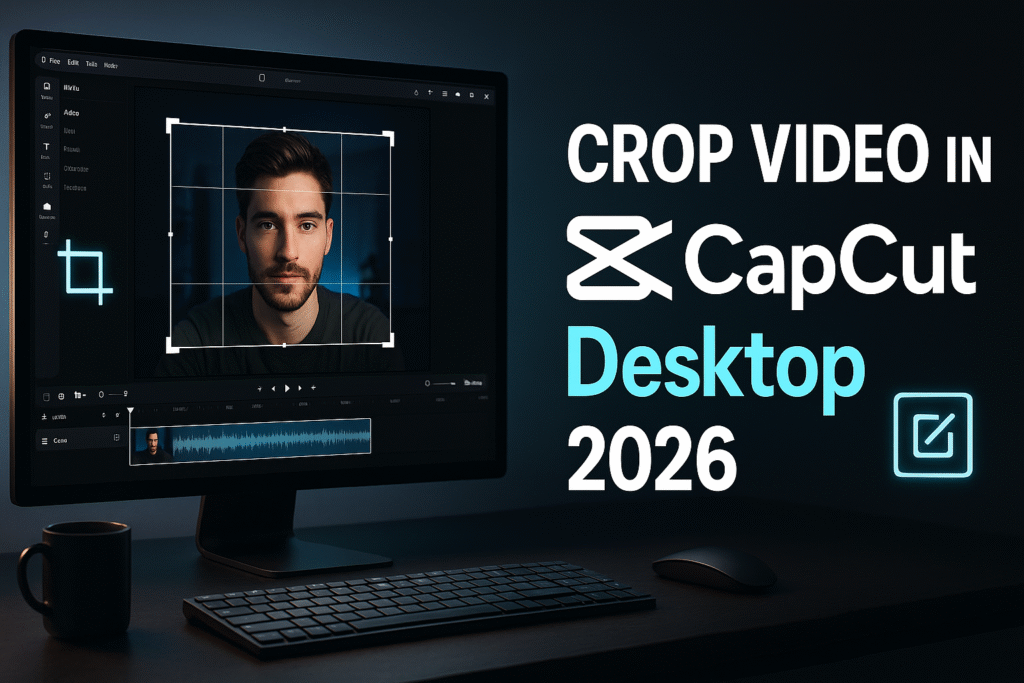
Crop video in CapCut PC 2026 with precision and professional confidence. This in-depth guide reveals the exact techniques creators use to refine their composition, remove distractions, highlight subjects, and transform average clips into cinematic visuals. Whether you’re a beginner or an advanced editor, you’ll master cropping, aspect ratios, framing rules, and pro-level workflow systems used by top editors in 2026.
Stop Time Like a Pro: How to Freeze Frame in CapCut Desktop 2026 (Step-by-Step Mastery)
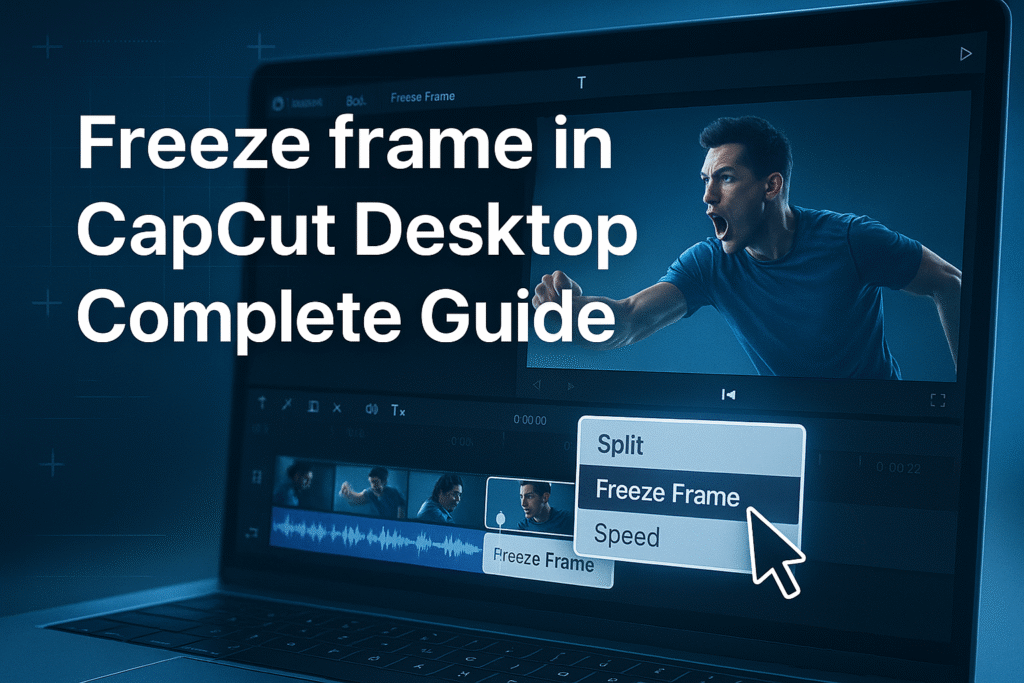
Learn how to freeze frame in CapCut PC 2026 using a professional, cinematic method that top creators rely on to stop motion, highlight key moments, and boost viewer attention. This powerful editing feature transforms ordinary videos into polished, story-driven content by allowing you to hold a single frame for dramatic impact.
The Ultimate Guide on How to Reverse Video in CapCut PC 2026: Master the Rewind Effect Like a Pro

How to reverse video in CapCut PC 2026 is one of the simplest yet most powerful editing tricks you can use to grab attention, create rewind effects, and make your videos instantly stand out. In this guide, you’ll learn how the reverse function works, why it’s essential, and how to master it step by step.
How to Add Custom Stickers in CapCut PC to Make Your Videos More Expressive and Engaging in 9 Simple Steps
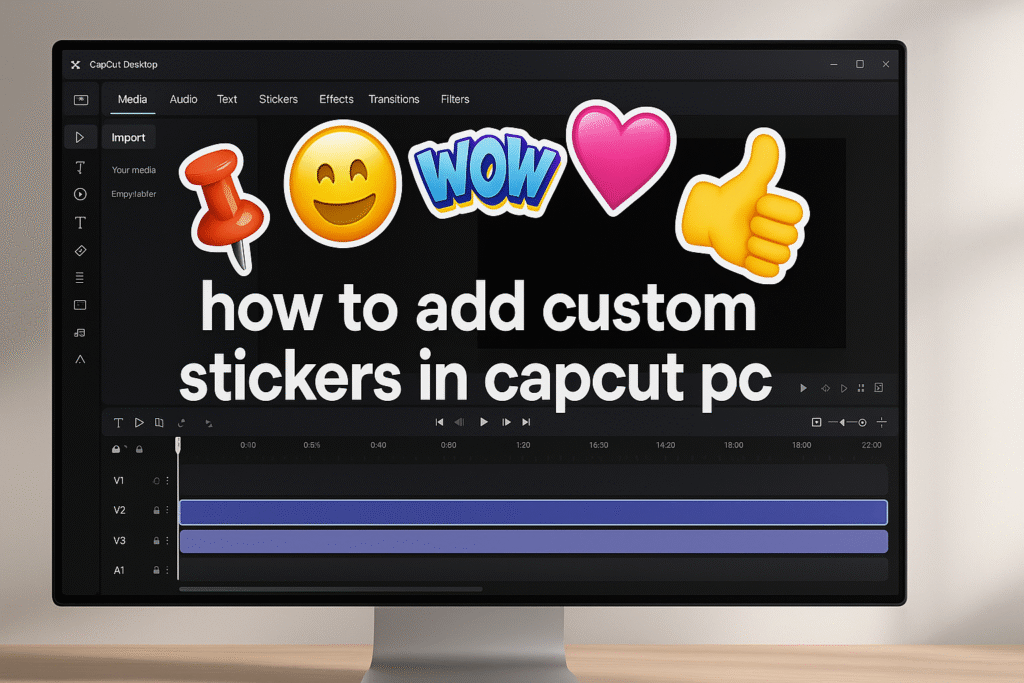
Stickers and emojis are one of the fastest ways to inject personality, clarity, and emotion into any video. In CapCut Desktop, adding expressive elements is surprisingly simple, yet most creators barely scratch the surface of what stickers can do. In this blog, you will discover how to add custom stickers in CapCut PC, use built-in animated elements, avoid common mistakes, and apply professional techniques to make your videos stand out on every platform.
The Hidden Best Export Settings in CapCut PC No One Shows You – Settings That Make Your Videos Look Ultra-Sharp
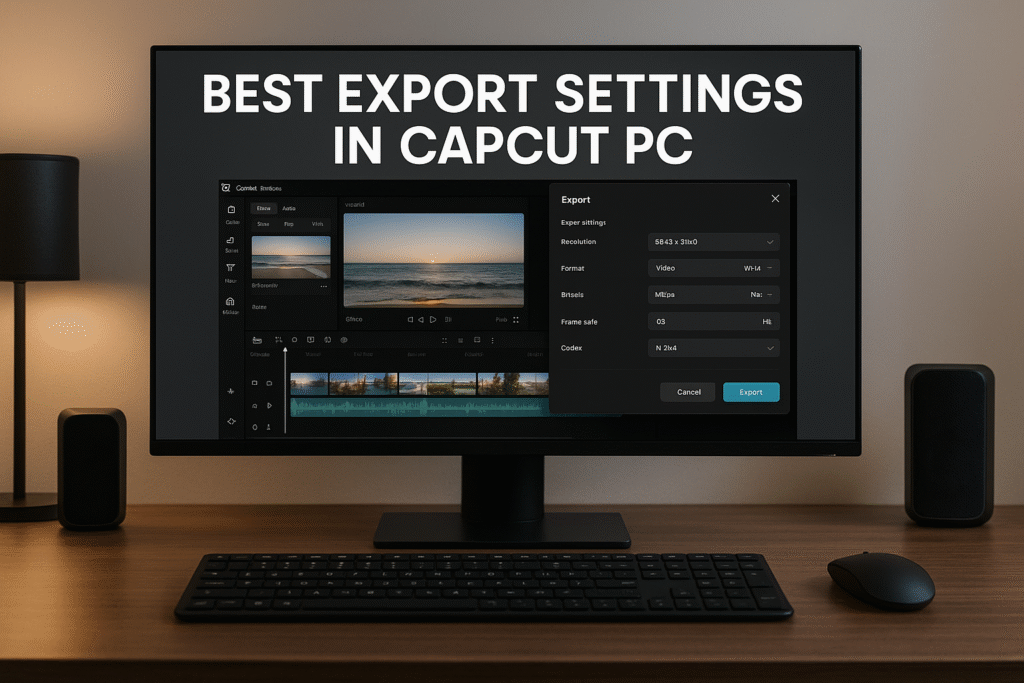
Best export settings in CapCut PC can dramatically improve the final quality of your videos. Whether you create ads, tutorials, gaming edits, reviews, or cinematic sequences, choosing the right export settings ensures clarity, smoothness, and professional results. In this guide, we break down the most reliable step-by-step export settings for 2026 so you never lose quality after all your hard editing work.
How to Add Overlay in CapCut PC/Desktop in 7 Powerful Steps
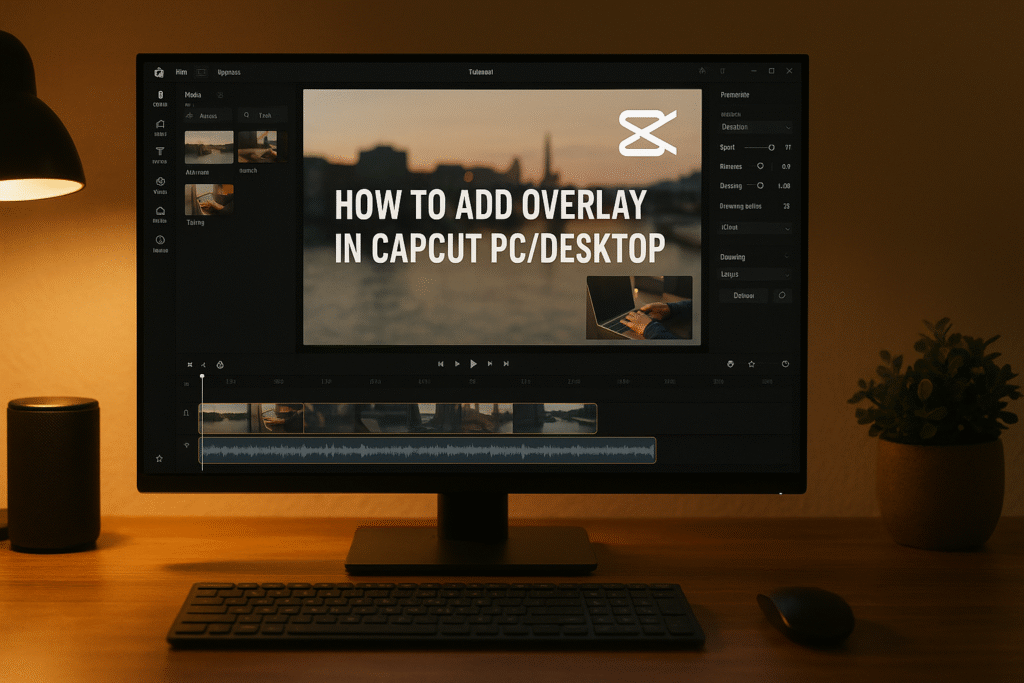
Learning how to add overlay in CapCut PC/Desktop is one of the fastest ways to make your videos look professional. Whether you want to layer B-roll, insert logos, or place animated effects, overlays give your content depth, personality, and storytelling power. In this detailed guide, you’ll learn not just how to add overlays — but how to use them like a pro to stand out online.
How to Remove Green Screen in CapCut on PC in 7 Simple Steps
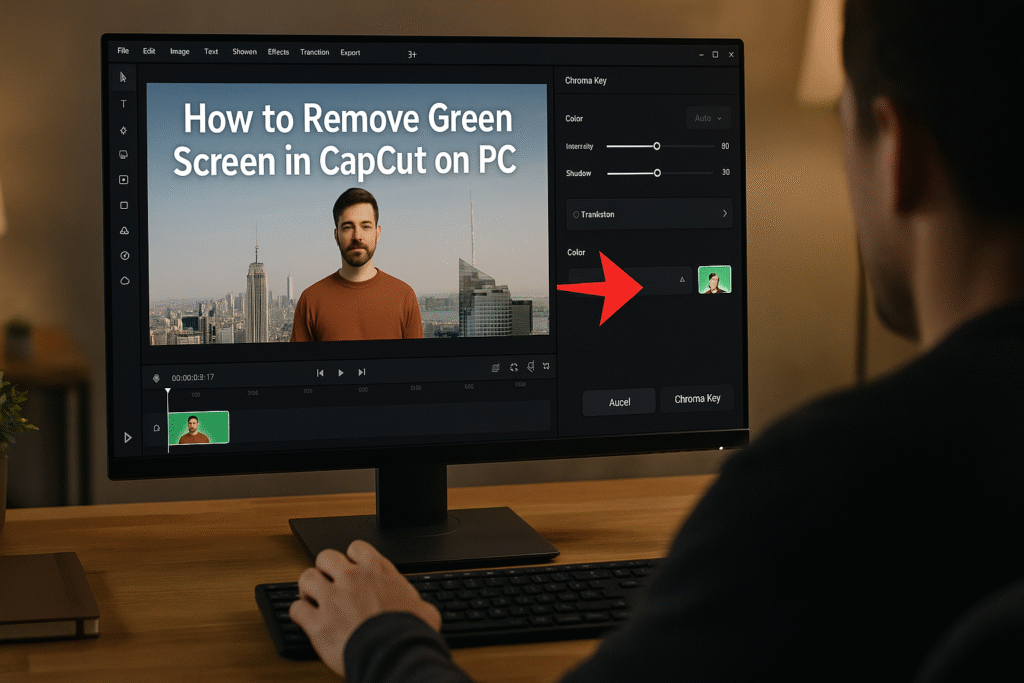
How to remove green screen in CapCut on PC — In this guide, you’ll learn how to erase any background with precision, replace it with a stunning scene, and create professional effects without expensive tools. Whether you’re crafting a product ad, vlog, or cinematic short, this tutorial makes green screen editing simple, powerful, and fun for everyone.
How to Add Blur Effect in CapCut PC — 5 Smart Ways to Protect Privacy & Add Style
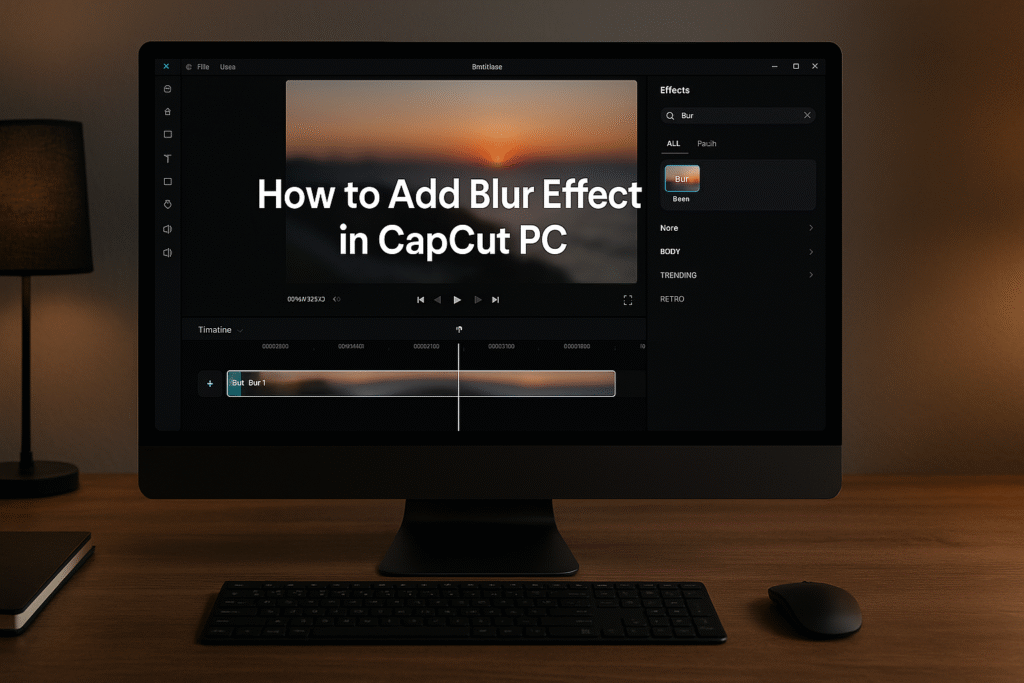
How to add blur effect in CapCut PC like a pro; not just one way, but five creative methods to master control, privacy, and storytelling through blur. Whether you’re a YouTuber, educator, or content creator, this is your ultimate blur guide for CapCut Desktop.
Zoom In Keyframe CapCut PC: 7 Expert Secrets to Make Your Videos Pop Like a Pro
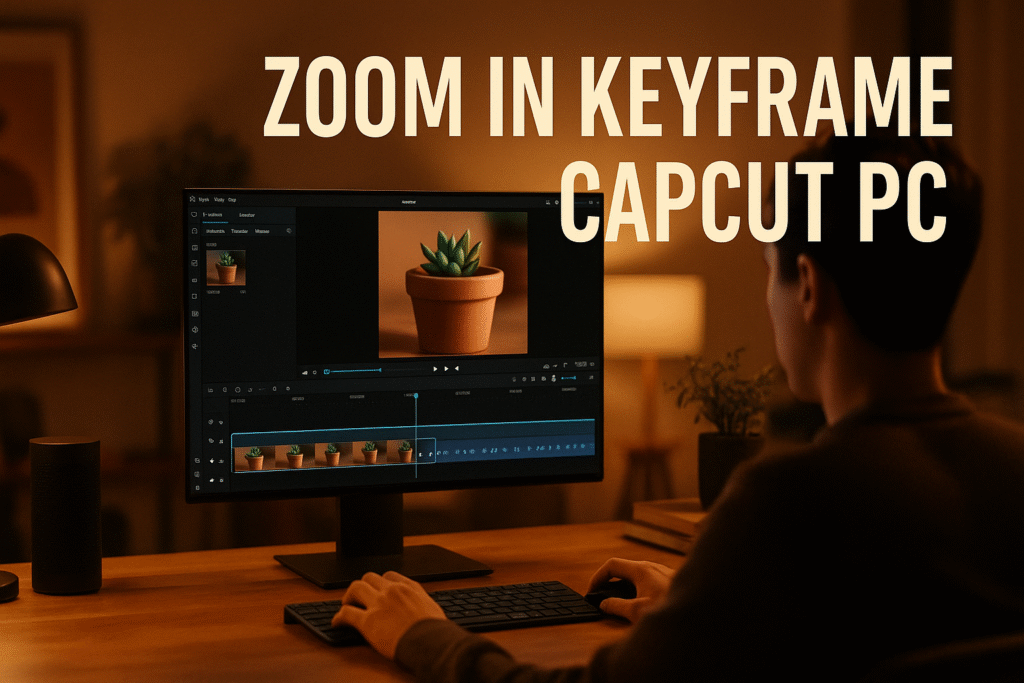
Zoom In Keyframe CapCut PC lets you add cinematic motion and depth to your videos. In this in-depth guide, you’ll learn how to use keyframes to zoom in and out smoothly, highlight important details, and direct your viewer’s focus — just like professional editors do.
Speed Adjustment CapCut PC: 7 Easy Ways to Control Video Speed Like a Pro
Speed adjustment CapCut PC makes your videos cinematic and dynamic in minutes! Learn 7 simple steps to control video speed, create smooth slow-mo, and add professional effects that make your content stand out.