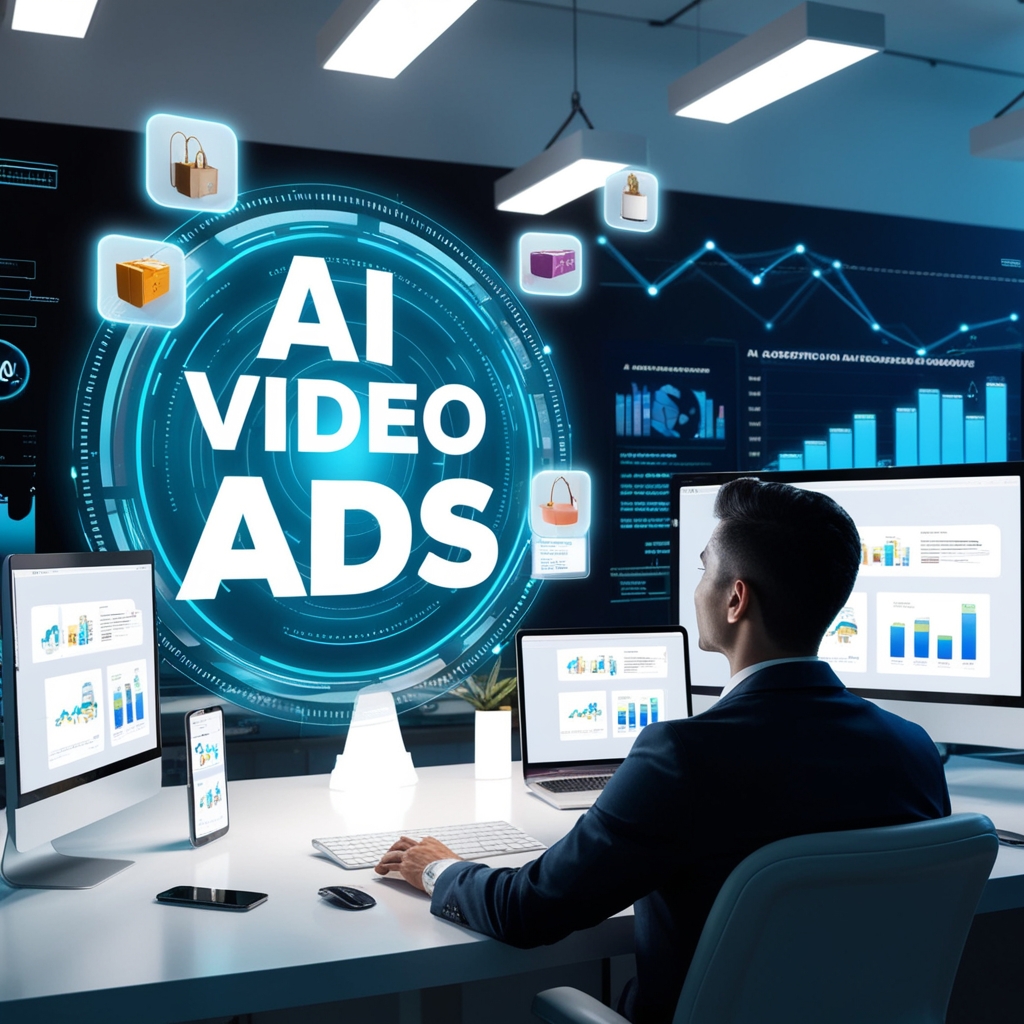



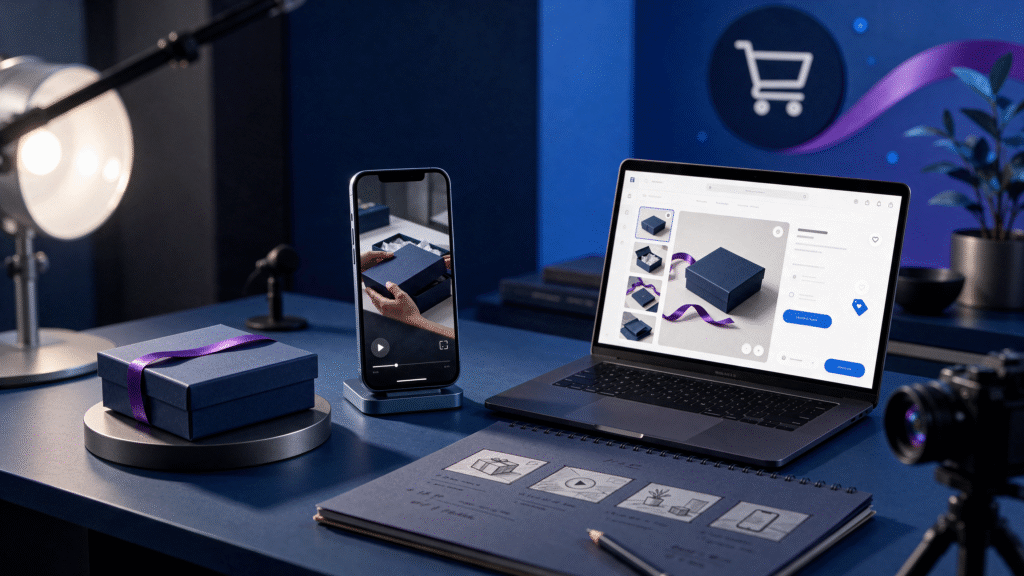
AI product videos for Shopify stores are product-focused videos created with artificial intelligence supporting selected planning, visual, voiceover, editing, or production tasks. A Shopify brand may use AI to turn approved product images, specifications, and creative direction into a demonstration, product-page video, social advertisement, launch video, or retargeting asset.
The most useful AI product video is not simply a visually impressive clip. It helps a shopper understand the product, see it in context, learn how it works, or decide what to do next. Every final video still needs accurate product references, human review, approved claims, and a clear connection to the Shopify product page or campaign destination.
For a wider ecommerce advertising plan, explore AI video ad campaigns before deciding which product videos to create.
What are AI product videos for Shopify stores?
AI product videos are short visual assets that use artificial intelligence to support part of the production workflow. They can combine approved product photography, real footage, animation, generated environments, virtual presenters, captions, voiceover, motion graphics, or AI-assisted editing.
For Shopify stores, these videos can appear in several places:
•On a product page
•In a collection or landing page
•In a paid social advertisement
•In an email campaign
•In a product launch announcement
•In a retargeting campaign
•On TikTok, Instagram Reels, YouTube Shorts, or other short-form channels
AI is a production support tool, not a replacement for product accuracy or marketing judgment. If the generated visual changes the product’s label, color, shape, ingredients, size, or use, the video should be corrected before publishing.
Why Shopify brands use AI product videos
Static product images are useful, but some products are easier to understand when shoppers can see them in motion. A short video can show how an item is opened, applied, assembled, worn, used, cleaned, stored, or compared.
Shopify’s official product-media guidance explains that product media can include images, 3D models, and videos, and that product media can help shoppers understand an item’s function and size. Shopify also notes that videos and other media require suitable theme support or theme implementation. Review the official Shopify product media guidance before adding video to a store.
AI product videos can help Shopify brands:
•Explain a product benefit quickly
•Show a product in a realistic use case
•Answer common buying questions
•Create several ad variations from one approved brief
•Support a product launch
•Improve the visual experience on a product page
•Adapt a product concept for multiple platforms
•Give returning visitors a clearer reason to come back
Shopify also describes AI marketing tools as useful for tasks such as content creation, product visuals, advertising, and SEO, while recommending that businesses choose tools that solve a specific problem. Read Shopify’s AI marketing tools guide for broader context.
7 types of AI product videos Shopify stores can create
1. Product demonstration videos
A demonstration video shows how the product works. It may show setup, application, assembly, unboxing, cleaning, or a before-and-after process when those visuals are accurate and permitted.
Use a demonstration when shoppers need practical information before purchasing. Keep the product visible, show the important action clearly, and use captions or voiceover to explain what the viewer is seeing.
For a more detailed demonstration approach, explore AI product demonstration videos for ecommerce brands.
2. Product-page explainer videos
A product-page explainer answers the questions that often prevent a shopper from buying. It can explain who the product is for, how it works, what is included, how to use it, or what makes the version different.
Keep the video focused on one decision. A product page does not need a general brand film when the shopper is trying to understand a specific product.
3. UGC-style product videos
UGC-style videos use a direct and conversational format that feels natural in social feeds. They may use product footage, a voiceover, a virtual presenter, or an authorized creator.
Do not present an AI-generated presenter as a real customer who personally used the product if that is not true. If the format is illustrative or AI-generated, represent it honestly. For related creative, explore AI UGC ads.
4. Product-launch videos
A launch sequence can include a teaser, product reveal, feature explanation, demonstration, and post-launch reminder. AI can help a brand develop multiple versions while keeping the product references and central message consistent.
Every launch video should match the actual availability, pricing, offer terms, and product specifications on the Shopify store.
5. Lifestyle product videos
Lifestyle videos place a product in a relevant environment or routine. They can help shoppers imagine how the item fits into their day.
Use lifestyle scenes to add context, but do not let the environment hide the product. The product should remain recognizable and its important details should remain accurate.
6. Comparison and feature videos
A comparison video can show two sizes, colors, versions, use cases, or product features. Use this format only when the comparison is fair and supported by current product information.
Make the difference easy to understand. Avoid unsupported statements that imply a competitor is inferior or that promise a result the product cannot reliably deliver.
7. Retargeting videos
A visitor who viewed a product may need a different message from a first-time visitor. Retargeting creative can answer a question, demonstrate a feature, explain delivery or use, or remind the visitor of the product’s central benefit.
The call to action should return the shopper to the most relevant product page, variant, collection, or offer page.
How to create AI product videos for Shopify stores
Step 1: Choose the product and campaign goal
Start with one product and one goal. The goal may be product education, awareness, sales, a launch, email sign-ups, or retargeting.
The goal affects the script, video length, visuals, call to action, landing page, and success metric. A product-page video may answer questions, while a paid ad may need to communicate a strong benefit quickly.
Step 2: Gather approved product references
Prepare current product images, packaging photographs, logos, brand colors, dimensions, materials, ingredients where relevant, usage instructions, offer terms, pricing, and approved claims.
Identify details that must not change. These may include the product silhouette, label text, package color, cap, buttons, ingredients, stitching, size, or user instructions.
Step 3: Select one customer problem
Avoid making one short video explain everything. Choose one problem, question, or buying concern.
Useful starting points include:
•How does the product work?
•What is included?
•How is it used?
•Which option is right for me?
•How does it fit into a routine?
•What makes this version different?
•How should it be stored or maintained?
Customer reviews, support messages, product-page questions, and search queries can help identify useful topics.
Step 4: Write a visual-first script
A practical product-video structure is:
1.Hook: introduce the question or problem.
2.Product: show the item clearly.
3.Demonstration: show the relevant action.
4.Benefit: explain one reason it matters.
5.Proof: use an approved specification, visual demonstration, or accurate comparison.
6.Call to action: direct the shopper to the next step.
Write what the viewer should see beside each spoken line or caption. The visual should support the message rather than distract from it.
Step 5: Choose the production format
Choose the simplest format that explains the product well. A product demonstration may need only product footage and captions. A virtual presenter may be useful for answering a question. CGI may support a reveal or a visual idea that is difficult to film.
Samin AI Marketing Hub offers related AI CGI ads, AI spokesperson ads, AI storytelling ads, and AI process ads.
Step 6: Review product accuracy
Compare the generated video with the approved product references. Check the product’s shape, packaging, color, label, proportions, texture, materials, accessories, and use instructions.
Check the voiceover and captions for incorrect claims, outdated pricing, spelling errors, missing disclaimers, or promises that the product cannot support.
Human review is especially important when an AI-generated scene looks realistic. A realistic scene can still be inaccurate.
Step 7: Adapt the video for the destination
Create the correct version for the place where the video will appear. A product-page video may use a calm demonstration. A mobile ad may need a faster hook and larger captions. An email video may need a strong thumbnail and a clear click-through path.
Review framing, safe areas, product visibility, captions, sound-off viewing, duration, thumbnail, and call to action. Keep the Shopify destination page consistent with the promise in the video.
How to measure Shopify product-video performance
Choose the primary metric before publishing. For a product page, useful measures may include video plays, engagement, add-to-cart actions, checkout starts, purchases, and revenue when tracking is configured correctly.
For paid advertisements, review qualified clicks, landing-page views, add-to-cart actions, purchases, cost per result, and return on ad spend where the campaign setup supports those measures.
Do not judge a video only by views. A product video with fewer views may be more valuable if it brings qualified shoppers who add the item to their cart or complete a purchase.
Record the product, audience, placement, hook, format, destination page, dates, budget, and result. This creates a useful learning system for future creative.
Internal links for this article
Use these internal links naturally throughout the post:
•AI product demonstration videos
Final checklist before publishing
Confirm that:
•The focus keyword is in the SEO title.
•The focus keyword is in the slug.
•The focus keyword is in the first paragraph.
•The focus keyword appears in one H2 heading.
•The focus keyword is in the featured-image alt text.
•The meta description is short enough for Rank Math’s pixel width.
•The article has one clear H1.
•The article uses descriptive H2 and H3 headings.
•Internal links point to relevant pages.
•At least one authoritative external link is included.
•The featured image is uploaded and compressed appropriately.
•Product claims and visuals have been reviewed by a person.
•The Shopify destination page matches the promise in the video.
Conclusion
AI product videos can help Shopify stores explain products, improve the visual shopping experience, create advertising variations, and support launches. The strongest workflow begins with a real customer question and approved product references. It then uses AI to support production while keeping the product, claims, destination page, and customer expectation accurate.
If you need help producing ecommerce video creative, explore Samin AI Marketing Hub’s AI video ad services and AI video ad production services. You can also view the AI advertising portfolio or book a 30-minute consultation.