


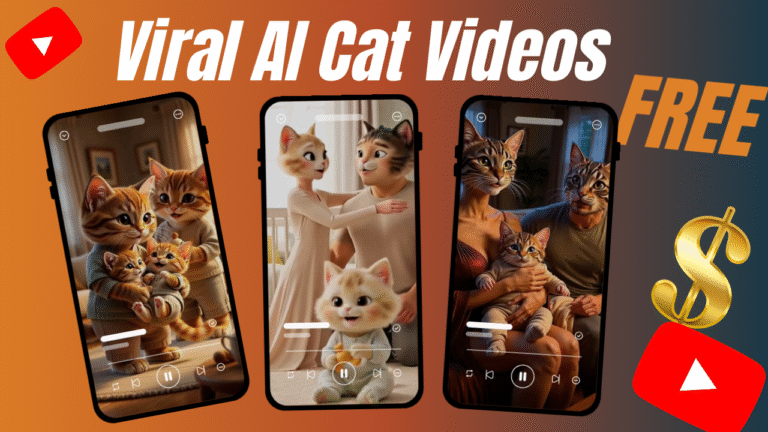
How to Create Viral CAT AI Videos FREE in 8 Easy Steps
Viral cat AI videos are the latest internet craze, and best of all, you can create them for free. In this guide, we’ll show you how to create viral CAT AI videos for free using simple tools and clever prompts.
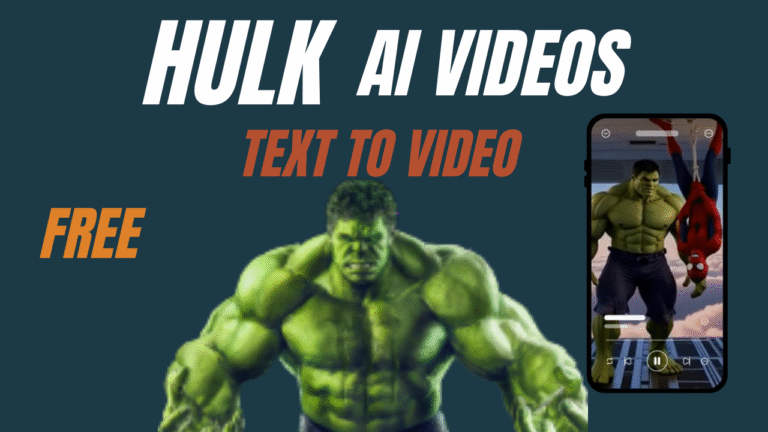
How to Create Viral HULK AI VIDEO FREE in 7 Easy Steps
HULK AI VIDEO creation is no longer limited to big studios or paid software. With the right workflow, a free AI video generator and smart AI video creation techniques, you can now produce viral, cinematic Hulk-style AI videos using only prompts, patience, and creativity.
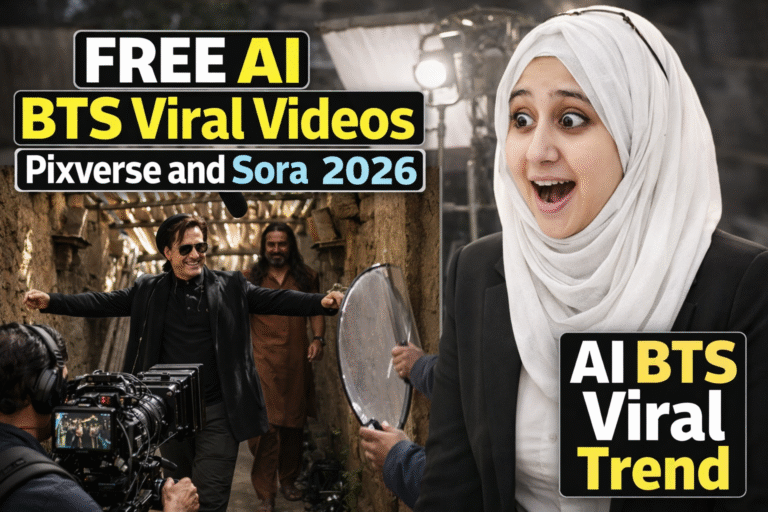
How to Create DHURANDHAR AI BTS Viral Video using FREE PIXVERSE in 8 Steps
DHURANDHAR AI BTS Viral VIDEO creation is now possible without expensive software, editing skills, or paid subscriptions. Using a free AI video generator, smart AI image creation, and simple watermark removal, anyone can create cinematic BTS-style viral videos in 2026.
How to Create AI BTS Viral Trend 🔥 Instagram Reels using FREE AI Tools in 7 Steps
AI BTS Viral Trend is exploding across Instagram Reels, and creators who understand how to make AI videos using free tools are gaining massive reach without spending money.
How to Use a Free AI Video Generator 2026 to Boost eCommerce Sales in 6 Steps
AI Video Generator tools are redefining how eCommerce brands grow in 2026. Even without a budget, founders can now create product ads daily, test creatives consistently, and increase conversions using free video AI tools. If you’re willing to invest time and patience, this method can quietly outperform expensive ad production.
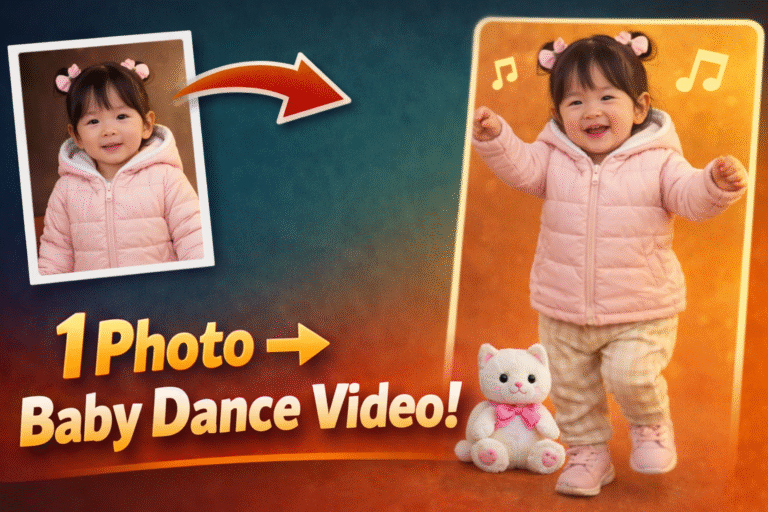
AI baby dance – Turn Photo into Viral Video Free in 7 Steps Kling AI
AI baby dance videos are taking over social media, and now you can create one yourself in just a few minutes. With Kling AI’s motion templates, you can turn a simple photo into a fun, viral baby dance video—no editing skills required.
7 Reasons AI Generated Ads Fail Beauty Brands and How Premium AI Video Ads Fix Low Sales
AI generated ads are everywhere in 2026—and beauty brands are paying the price for using them the wrong way. While artificial intelligence advertising promises speed, scale, and lower costs, most AI video ads are quietly damaging brand perception, reducing trust, and killing conversions. In this deep-dive guide,
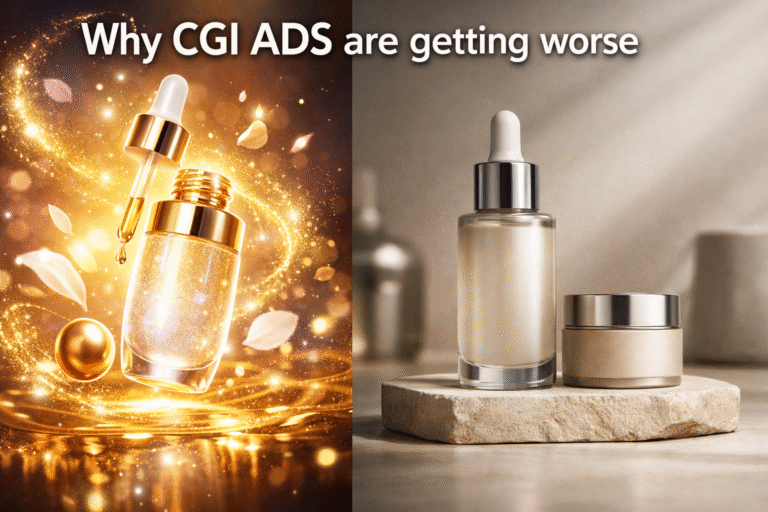
Why AI CGI Ads Are Getting Worse: 5 Hard Truths Beauty Brands Must Face in 2026
Why AI CGI ads are getting worse is the question beauty founders and marketers confront in 2026. While artificial intelligence has made CGI advertising faster and cheaper, it has also created a flood of low-quality visuals that damage brand trust, reduce perceived value, and make premium beauty products look cheap. This deep-dive explains why most AI CGI ads fail, how they hurt beauty brands, and what to do instead to create brand-safe, high-converting CGI ads.

STOP PAYING, Make Long AI Generated Video in 2026 (FREE and Unlimited)
AI generated video is no longer locked behind expensive tools, subscriptions, or watermarks. In 2026, creators can generate unlimited long-form videos from simple text prompts—100% free—using a surprisingly powerful method that most people still don’t know about. This guide shows you exactly how it works, how to use it correctly, and how to avoid the mistakes that keep others stuck paying for tools they no longer need.