



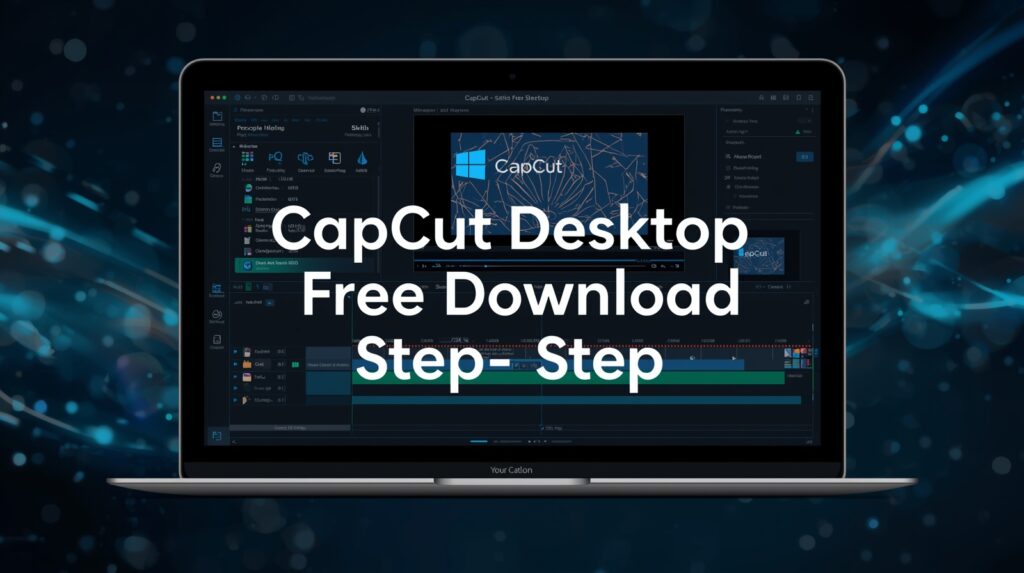
CapCut Desktop Free Download: Beginner Guide to Install & Start Editing (5 Easy Steps)

Table of Contents

CapCut Desktop Free Download: Beginner Guide to Install & Start Editing (5 Easy Steps)

capcut desktop free download, step by step

CapCut Desktop Free Download is an amazing tool to start AI Video Ads creation and editing. Step-by-step beginner guide to install CapCut on Windows. If you want to create amazing videos for YouTube, TikTok, Instagram, Facebook, or even marketing ads — CapCut is one of the best and easiest video editing tools for beginners. The good news? You can now use CapCut Desktop free download on your Windows or Mac computer.

CapCut is made by the same company that created TikTok. This means the app is full of smart tools like:

✅ AI auto subtitles
✅ AI video templates
✅ Social-media-ready export settings
✅ Effects, transitions & filters
✅ Background remover
✅ Music & sound effects library

And all of this is 100% free to start!

In this beginner-friendly blog post, I will show you:

✔ How to download CapCut for desktop
✔ How to install and log in
✔ How to upload your first video
✔ Quick tour of the interface
✔ What we will learn next in upcoming tutorials

Let’s start learning like a pro.

While the mobile app is great, the desktop version gives you:

  • A bigger screen to edit better

  • More control over effects and text

  • Faster editing and exporting

  • Keyboard shortcuts to save time

  • Better AI features for ads & business


If you want to grow on social media or make marketing videos, desktop editing will make your life easier.

Follow these steps exactly and you will be ready to edit.

Go to this page in any browser:

www.capcut.com

This is the official website — always download from here for safety.

You will see an option to edit online without installing.
Click Try Online — this will take you to the CapCut Web Editor.

But don’t worry, we will still install the desktop app.

Step 3: Log in to Your Account

CapCut will ask you to sign in.

Options:

  • Google account ✅ (recommended)

  • Email address

  • TikTok login

I used Google account because it is fast and safe.
You can use any method you like.

Logging in helps because your projects and data will sync on all devices:

  • ✅ Mobile app

  • ✅ Web app

  • ✅ Desktop app

You can start editing on your phone and finish on your computer — very cool

Inside the web editor, look at the top-right corner — you will see a laptop icon.

Click it ✅
Then choose Download for Windows (or Mac if you are using MacOS)

The installer will start downloading.

Once the download is finished:

1️⃣ Go to your Downloads folder
2️⃣ Find the CapCut.exe file
3️⃣ Double-click it
4️⃣ Press Install
5️⃣ Wait for it to complete


It only takes a few minutes.

After installation, CapCut will open automatically.

Login again using the same account, so all your projects stay connected on every device.

Boom ✅ You are inside CapCut Desktop

Upload Your First Video (Simple Step)

Let’s add your first clip!

1️⃣ Click Import
2️⃣ Select a video from your computer
3️⃣ Drag it into the Timeline
4️⃣ Hit Spacebar to play

✅ You just made your first editing move.

You can now try:

✂ Splitting a clip
🔊 Lowering volume
🎶 Adding background music
🔤 Inserting subtitles
✨ Applying effects


Just play around.

Watch Complete Video Tutorial

Here are some ideas:

  • TikTok videos

  • YouTube Shorts

  • School projects

  • Product promo videos

  • AI ad videos

  • Gaming clips

  • Vlogs

CapCut is especially good for AI video ads for ecommerce marketing, meaning you can:

✅ Create product showcase videos
✅ Add auto captions to increase sales
✅ Use AI templates for fast results

Perfect for beginners who want professional ads!

Because video is the future!

By 2030, over 90% of online content will be video.
People who can edit videos will have:

✅ More job opportunities
✅ More business growth
✅ Better marketing results
✅ Bigger social media audience


Learning CapCut now makes you ahead of many others

Key Takeaway

.Editing videos is no longer hard.
With CapCut Desktop free download, anyone — even beginners — can create pro-level videos.

Just remember:

✅ Download from www.capcut.com
✅ Log in for Cloud syncing
✅ Upload a video and start editing
✅ Practice a little every day

You will grow faster than you think.
Find quick answers to the most common questions about Capcut different version for mobile, desktop and cloud. And discover how they can transform your brand’s marketing videos in 2026.

Is CapCut for desktop really free to download?

Yes! CapCut for desktop free download is 100% free to install and use. Some advanced AI features may have optional upgrades, but everything you need for basic editing is free.

Can I use CapCut on both mobile and desktop?

Yes! If you log in with the same account, your videos stay synced across mobile, desktop, and web versions. You can start editing on your phone and finish on your laptop.

Does CapCut work on Windows and Mac?

es! You can download CapCut for Windows or Mac directly from the official website: www.capcut.com

Is CapCut good for beginners?

es! You can download CapCut for Windows or Mac directly from the official website: www.capcut.com

Can I make TikTok, YouTube, and social media ads with CapCut?

es! You can download CapCut for Windows or Mac directly from the official website: www.capcut.com.`

AI VIDEO ADS SERVICES

Ecommerce business owners often struggle with wasted ad spend, endless testing, and creative fatigue trying to figure out which ads actually convert. That’s where AI video ads services change the game. With the power of artificial intelligence, you can now generate scroll-stopping videos that analyze audience behavior, optimize performance, and deliver results faster — without the trial-and-error of traditional ad creation.

As we move into 2026, AI is not just an advantage — it’s a necessity. Brands that fail to integrate AI marketing into their strategy risk falling behind competitors who leverage automation, personalization, and smart ad optimization.

“Great marketing isn’t about selling products. it’s about creating stories that people want to be part of.”

Seth Godin
AI VIDEO ADS

You will get the best AI VIDEO AD

 With AI video ads services, you gain a powerful edge; producing high-quality videos that cost less, perform better, and scale faster. 
 

At Samin AI Marketing Hub, we specialize in crafting AI ads that not only look stunning but are data-driven and conversion-focused. Our expertise lies in merging creativity with machine learning to create ad campaigns that speak directly to your target audience. Whether it’s AI UGC ads, storytelling videos, CGI animations, or spokesperson ads, our AI-driven approach ensures every video is designed to perform — not just to impress.

If you’re ready to elevate your ecommerce growth and dominate your niche, now is the time to embrace the future of AI ads. Let’s create your next high-performing AI video ad and turn your brand into a 2026 success story. Book a Call NOW